

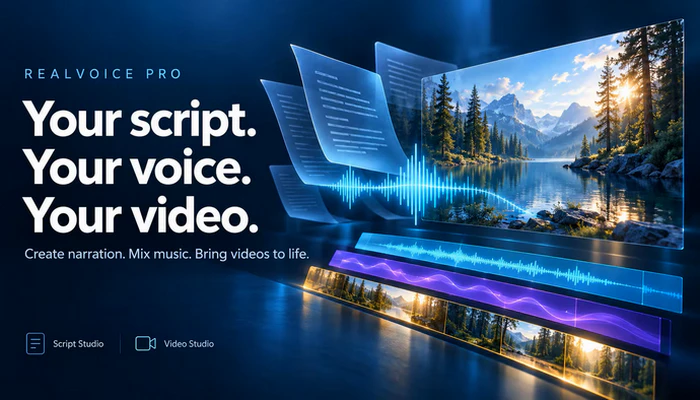
Turning a written script into polished narration used to require multiple tools. RealVoice Pro changes that. This all-in-one Windows app lets you create text-to-speech narration, mix background music, and add voiceovers to your videos—all in one place. It brings together Script Studio and Video Studio, so you can move seamlessly from a written script to finished audio or video. No switching between programs. No complex workflows. Whether you’re a content creator, educator, or marketer, RealVoice Pro brings your words to life with professional quality. Streamline your production and focus on your message. Download RealVoice Pro today and hear the difference.
Turn scripts into narration
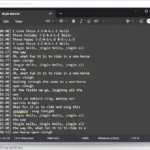
Write or paste your text in Script Studio, choose a voice, and adjust speaking speed and pitch. Preview your narration, add background music, and export your finished mix as an MP3.
Bring sound and video together
Import videos into Video Studio and arrange narration, music, and titles on the timeline. Control when each cue begins, adjust track volumes, and build a mixed preview before exporting.
Make your words visible
Add captions to generated narration and customize their font, size, colors, and placement. Use individual block settings for more control, or export captions as an SRT subtitle file.
Take control of your audio
Keep the original video sound or mute it while retaining your added narration and music. Adjust levels, fades, and looping, and lower background music during narration.
Want to know Viber’s features? Check out the guide.
Features of RealVoice Pro
- Text-to-speech narration with selectable voices, speed, and pitch
- Script Studio for writing, speech generation, and music mixing
- Video Studio with separate video, narration, music, and title lanes
- Multiple video clips with transitions
- Customizable captions and timed titles
- Original-video audio muting
- Full mixed previews and selected-range previews
- MP3 audio, MP4 video, and vertical short-video exports
- Portable video projects, autosave recovery, and undo/redo
Whether you’re creating a tutorial, presentation, narrated story, or social video, RealVoice Pro helps you bring your script, sound, and visuals together.
System Requirements
Windows 10 version 17763.0 or higher
* Internet connection required for text-to-speech generation and loading the voice catalog. Script text is sent to an online speech service. Video editing, mixing, and export run locally on your computer.
Developer: Homepage
License: full_version
Language: English
OS: Windows
Download RealVoice Pro for Windows
RealVoice Pro 1.0.1 | File Size: 565 MB
UsersDrive | Direct
Portable RealVoice Pro 1.0.1 | File Size: 647 MB
UsersDrive | Direct